 Scholax
User management
Staff, guardians and positions in one directory.
Scholax gives your school one dashboard for staff, classes, computer-based tests, score sheets, school fees and payroll. Set it up once and run the whole term from it.
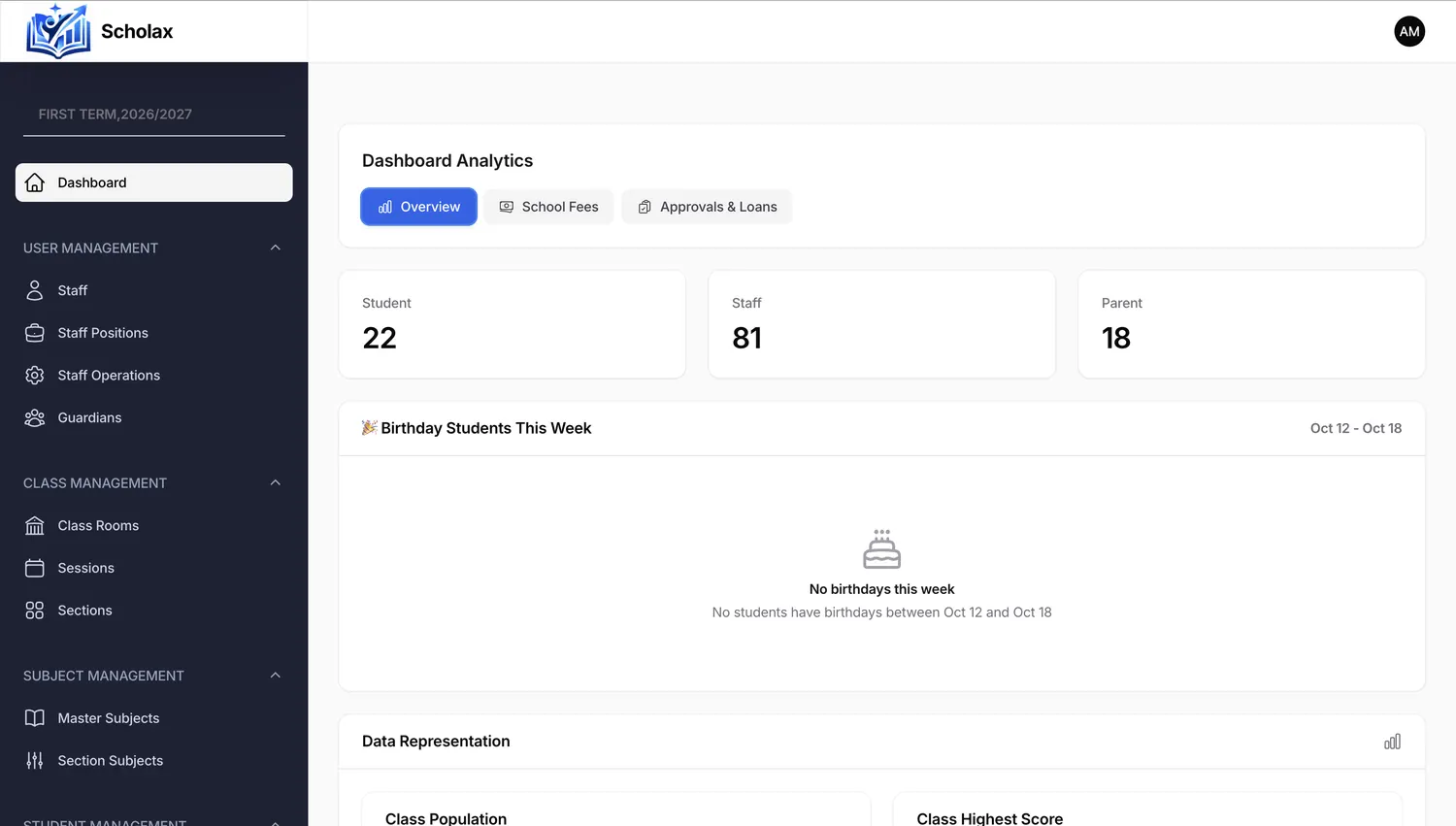
Everything a school needs to run each term, in one connected system.
Staff, guardians and positions in one directory.
Class rooms, sessions and sections, each with its teacher.
Subjects set up once and shared across sections.
Admissions, bulk upload and class migration.
Scores, grading and score sheets ready for report cards.
Timed tests and exams that students take on a screen.
Weekly timetables for every class.
Behaviour and conduct records for report cards.
School fees, payments and reminders.
Track school stock and supply requests.
Staff pay, allowances and deductions.
Income, spending and budgets at a glance.
School buses, drivers and routes.
Notices to your team, with delivery tracking.
Your school profile, logo and colours.
Each person sees only their own work.
A log of what happened and guides to help your staff.
Screens shown with sample data. Pick a topic.
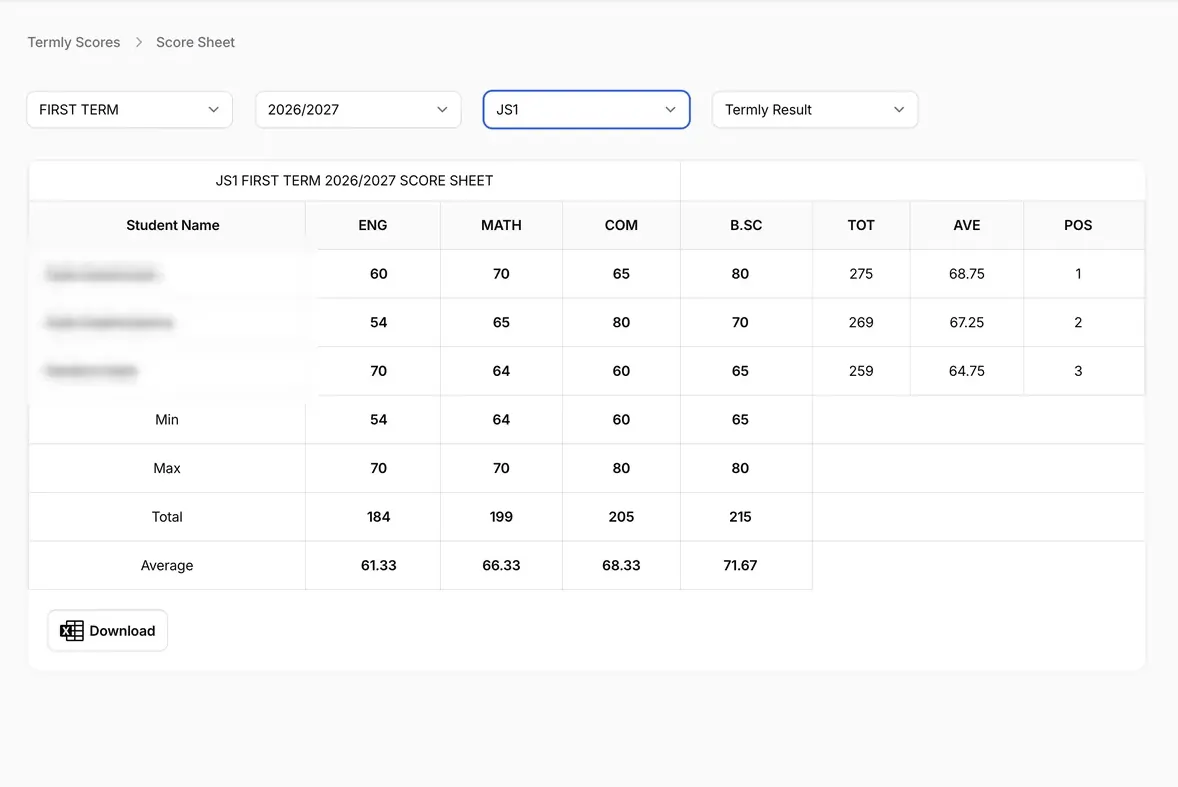
Choose a term, session and class. Scholax totals every subject, works out averages and assigns positions.
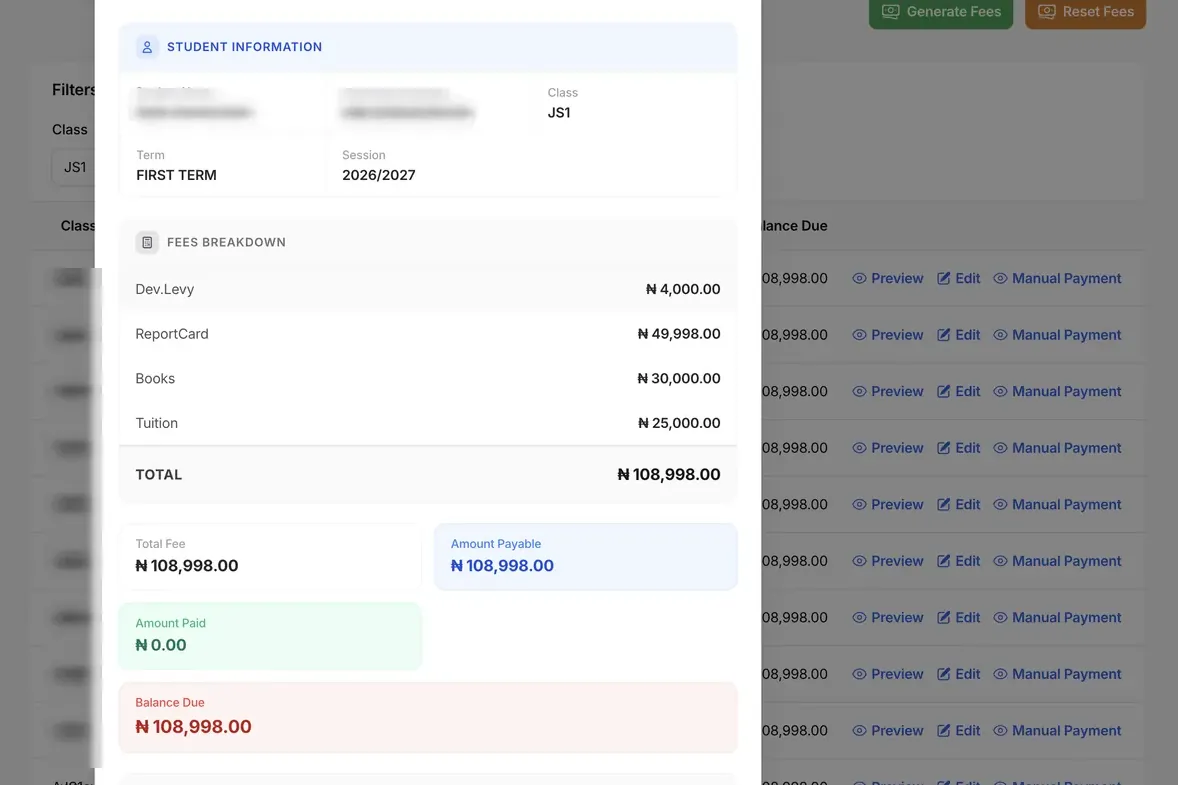
Open any student to see exactly what is owed, what is paid and what is still due.
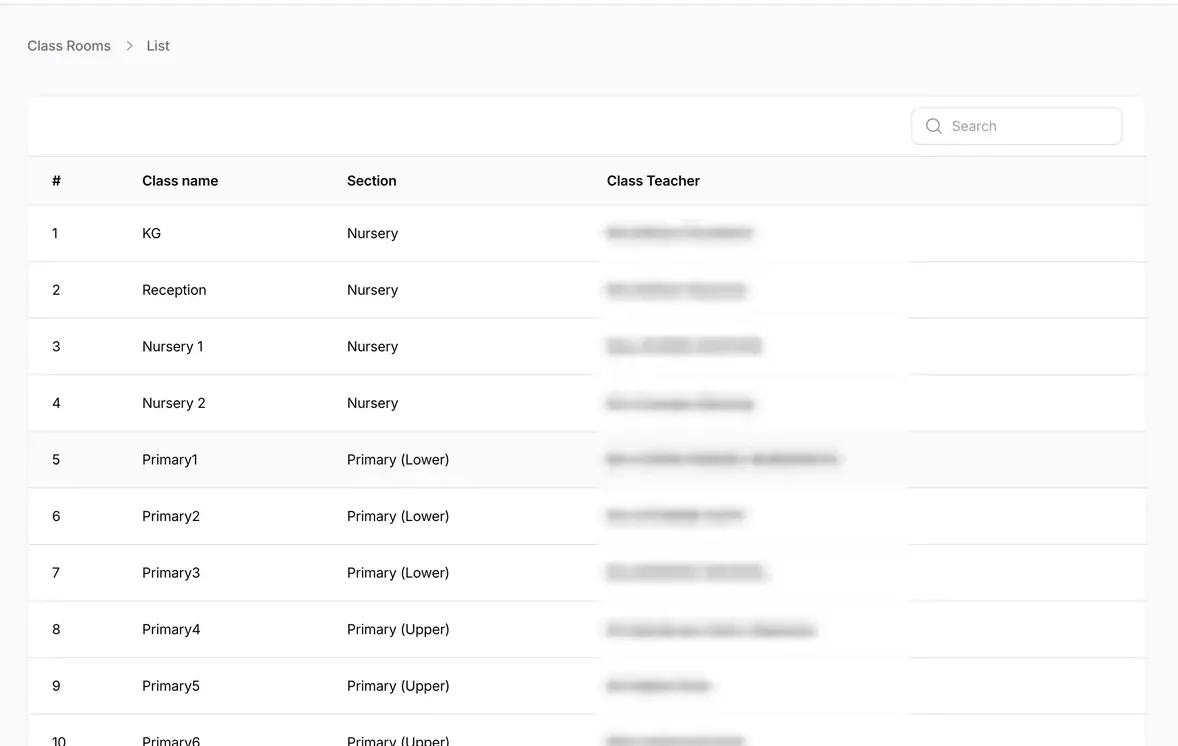
From Kindergarten to the senior classes, each class room is tied to a section and a class teacher.
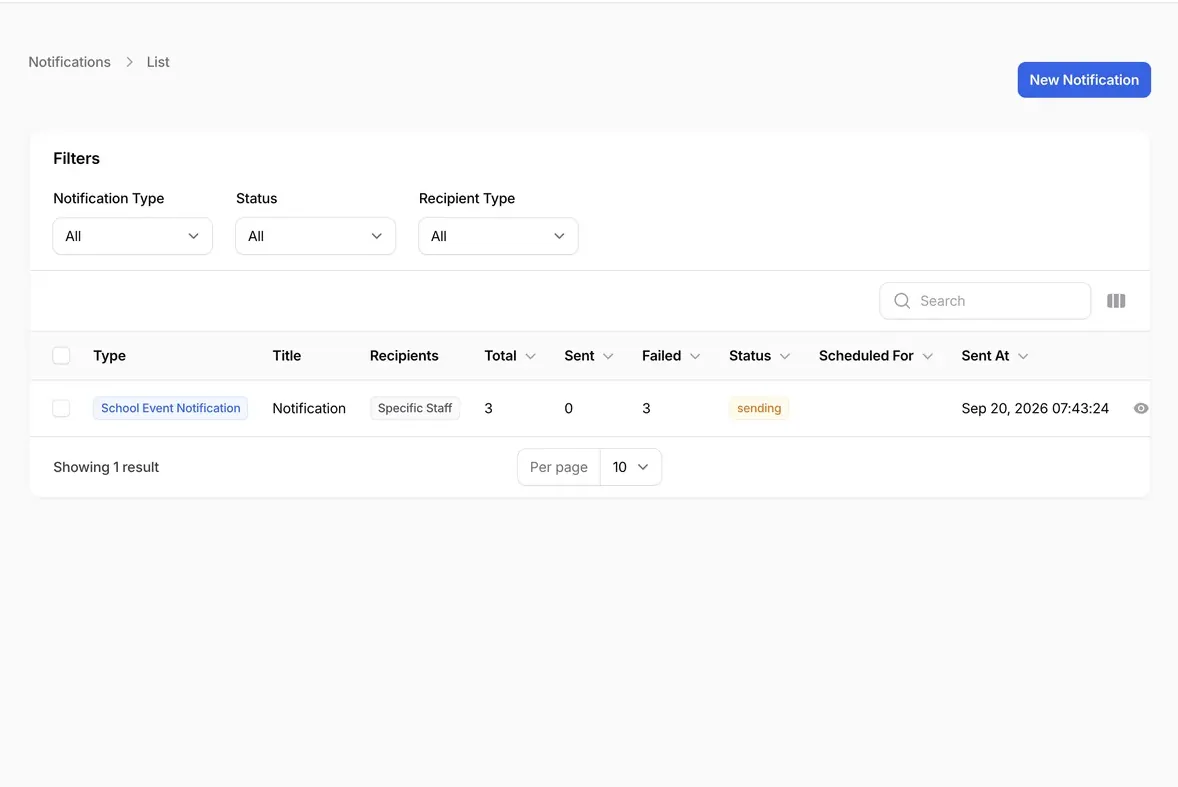
Send a school event notification to specific staff and watch the totals as it goes out.
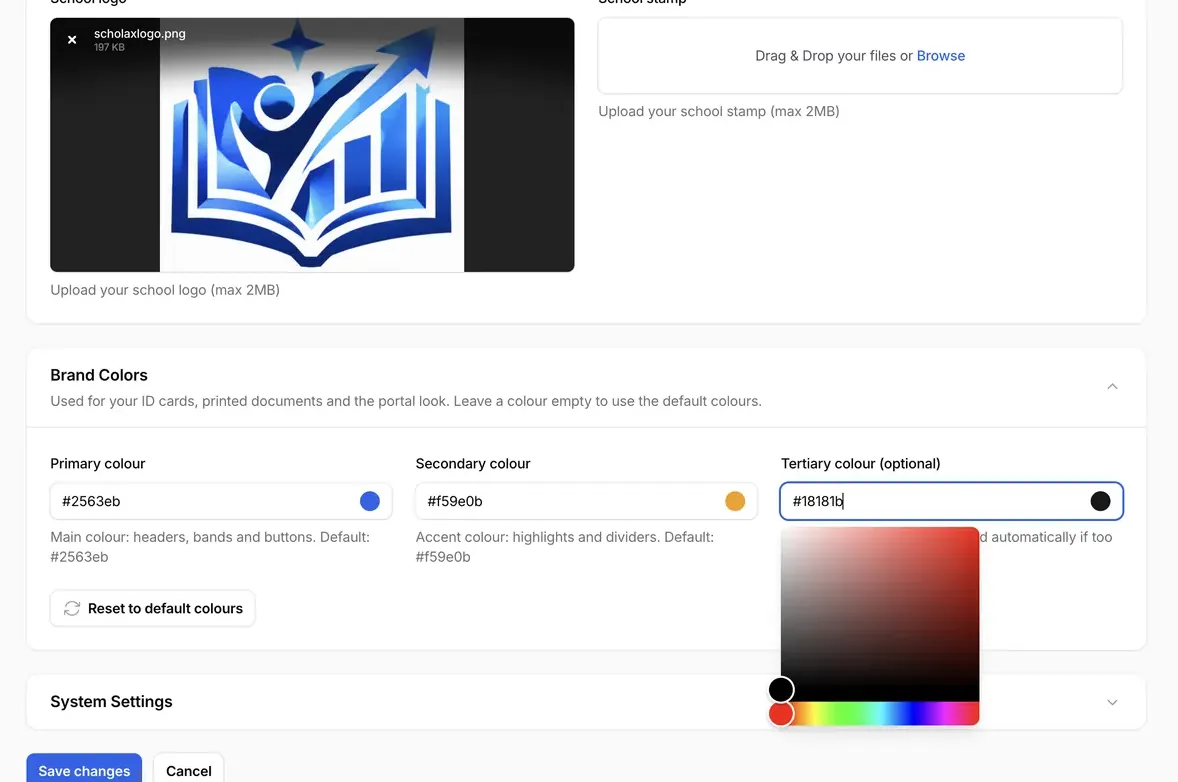
Upload your logo and stamp, then pick the colours for ID cards, printed documents and the portal.
Staff, students and parents each get their own login page, so everyone lands on the screens meant for them.
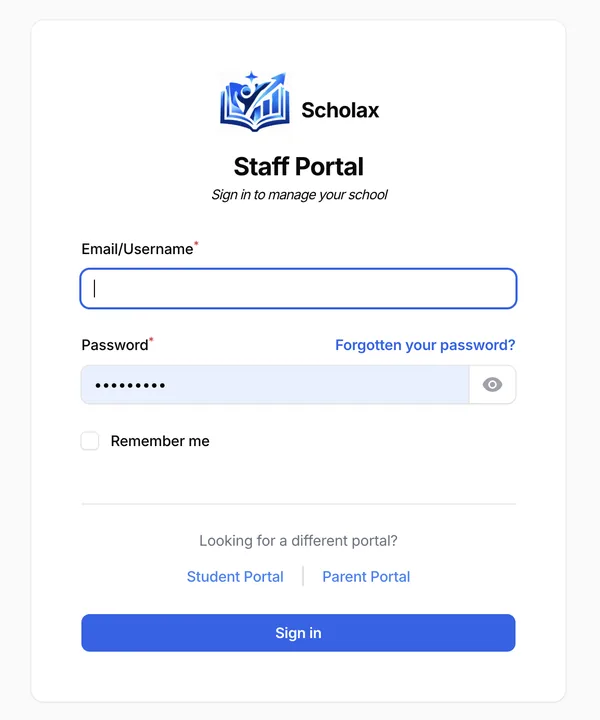
Sign in with email or username to manage classes, scores, fees, payroll and more.
Ask for a demo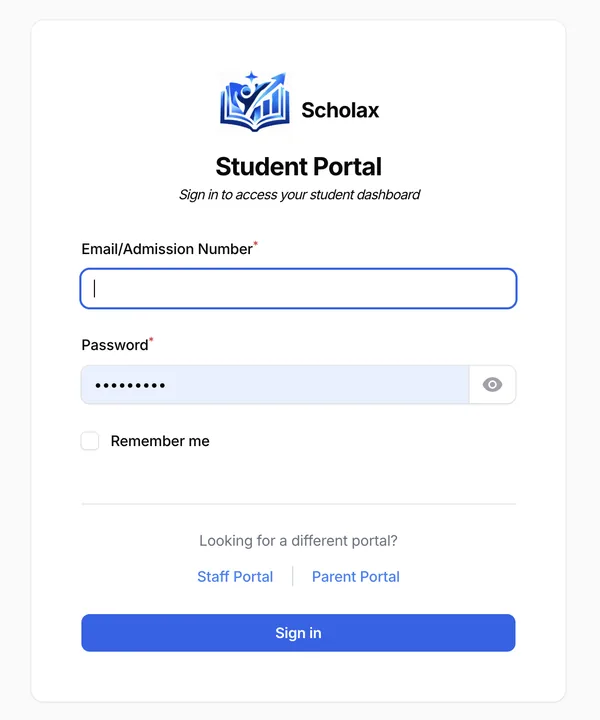
Students sign in with an email or admission number to reach their dashboard and take CBT tests.
Ask for a demo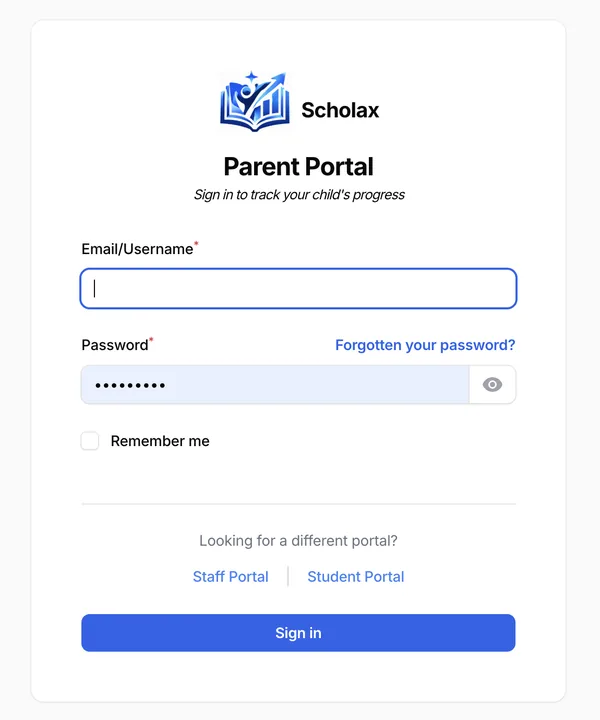
Parents sign in to track their child's progress, with a password reset link if they forget it.
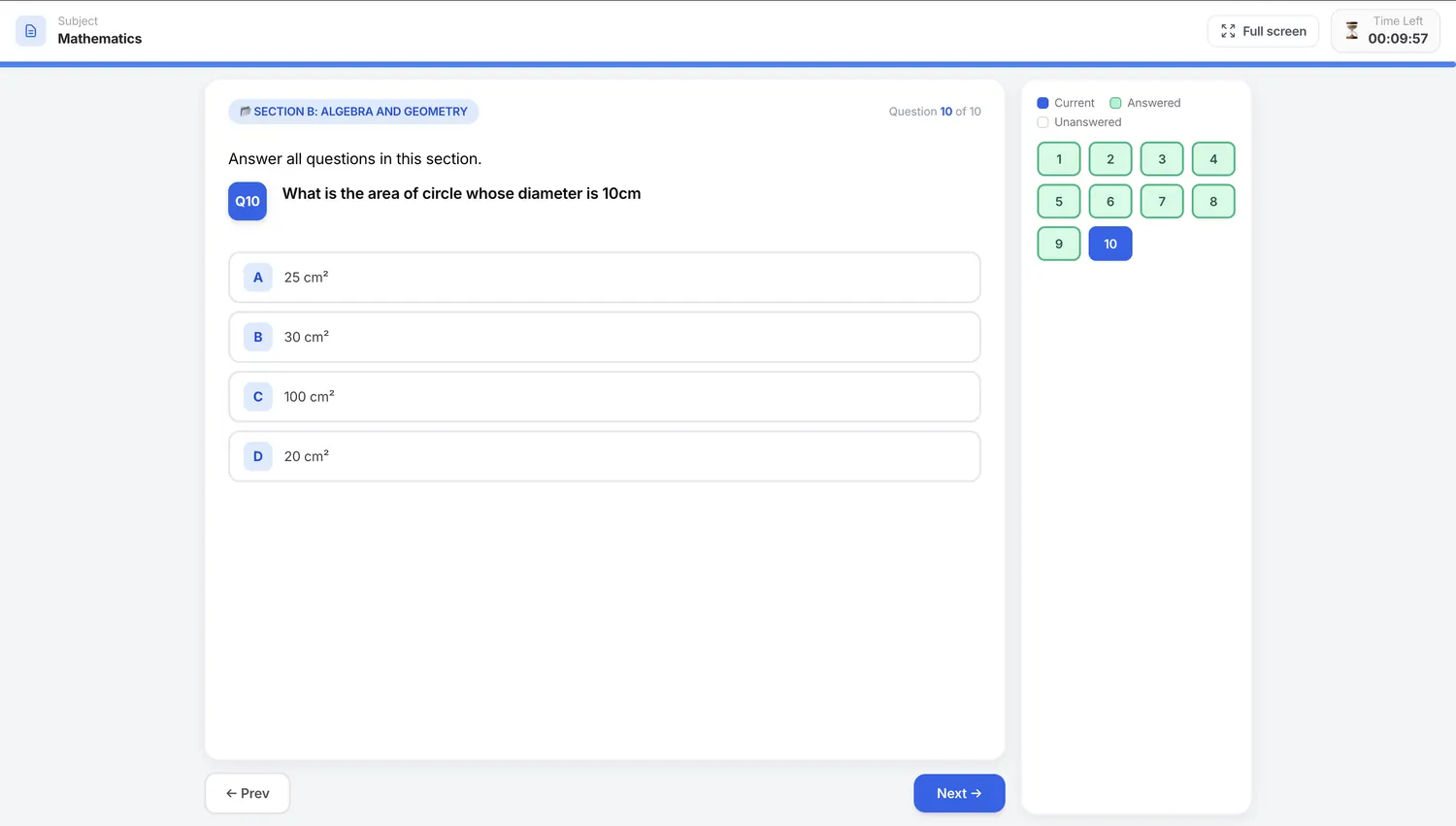
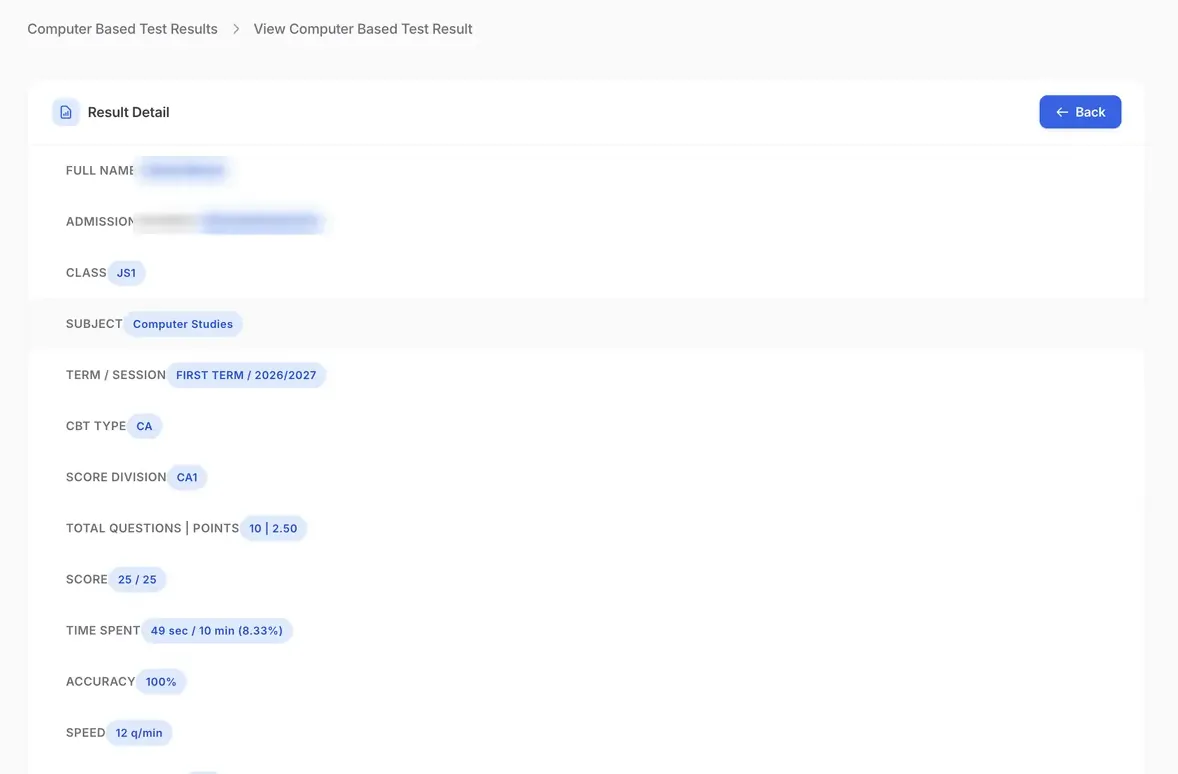
Ask for a demoBuild questions once, group them into sections, set the timer and let students sit the test. Marks flow straight into the score sheet.
Create the session, sections, class rooms and subjects, and assign a class teacher to each class.
Add students one by one, upload a whole class in bulk, or migrate them to their next class.
Run CBT tests and exams, record continuous assessment and take attendance.
Open the score sheet for totals, averages and positions, then apply grading systems and comments.
Generate fees for each class, record payments and send reminders to guardians.
Pay for the students you enrol. Every plan includes the staff, student and parent portals. Prices are in naira (₦).
Core records and results for smaller schools.
₦2,500per student / term
₦750,000 per term
Everything in Basic, plus tests, fees and report card tools.
₦4,000per student / term
₦1,200,000 per term
Everything in Premium, plus the whole school's operations.
₦6,000per student / term
₦1,800,000 per term
Running several schools or branches? Contact us for a custom quote.
Yes. Request a guided demo and we will walk you through a sample school with practice data, then answer your questions.
Yes. Upload your logo and stamp in Settings and choose your own colours. They are used for ID cards, printed documents and the portal.
Yes. Roles and permissions decide which modules each user can open, so a bursar sees fees and a teacher sees scores.
No. A student needs a device with a browser. The test runs full screen with a visible timer and moves between sections on the same page.
Staff, students and parents each have their own login page. Students sign in with an email or admission number, and parents and staff with an email or username.
Yes. The staff menu and every screen adapt to a narrow phone screen as well as a desktop browser.
Score sheets download to Excel, so you can share or archive them.
Send us a message and we will reply by email. You can also chat with us on WhatsApp.
Book a guided demo and we will walk you through classes, results and fees using sample data.